

Looking for a standing desk converter for existing desk setups? You’re not alone. In 2024, more people than ever are searching for ways to retrofit their current workspace without buying a brand-new standing desk. Let’s cut through the noise and see what you actually need to know, what works, and what to watch out for.
Key Takeaways
- Electric models now dominate the market, with nearly 55% share thanks to superior ease of use and ergonomic options.
- Most high-quality standing desk converters use three-stage height adjustment for greater flexibility—don’t settle for less.
- Before you buy, measure your workspace and check for stability, especially if you use dual monitor setups or heavy equipment.
- Understanding Standing Desk Converters for Existing Desks
- How to Retrofit Your Desk: Step-by-Step Guide
- Advanced Analysis & Common Pitfalls
- Conclusion & Action Steps
- Frequently Asked Questions
Understanding Standing Desk Converters for Existing Desks
Standing desk converters for existing desk setups transform your current table into an ergonomic sit-stand workstation, without major investment or office overhauls. The latest converters typically sit atop your desk, letting you switch between sitting and standing easily. Electric models grab the spotlight in 2024, with programmable presets and smoother operation. Market data shows these sit-stand solutions are especially popular with remote workers and office teams who can’t swap out every desk.
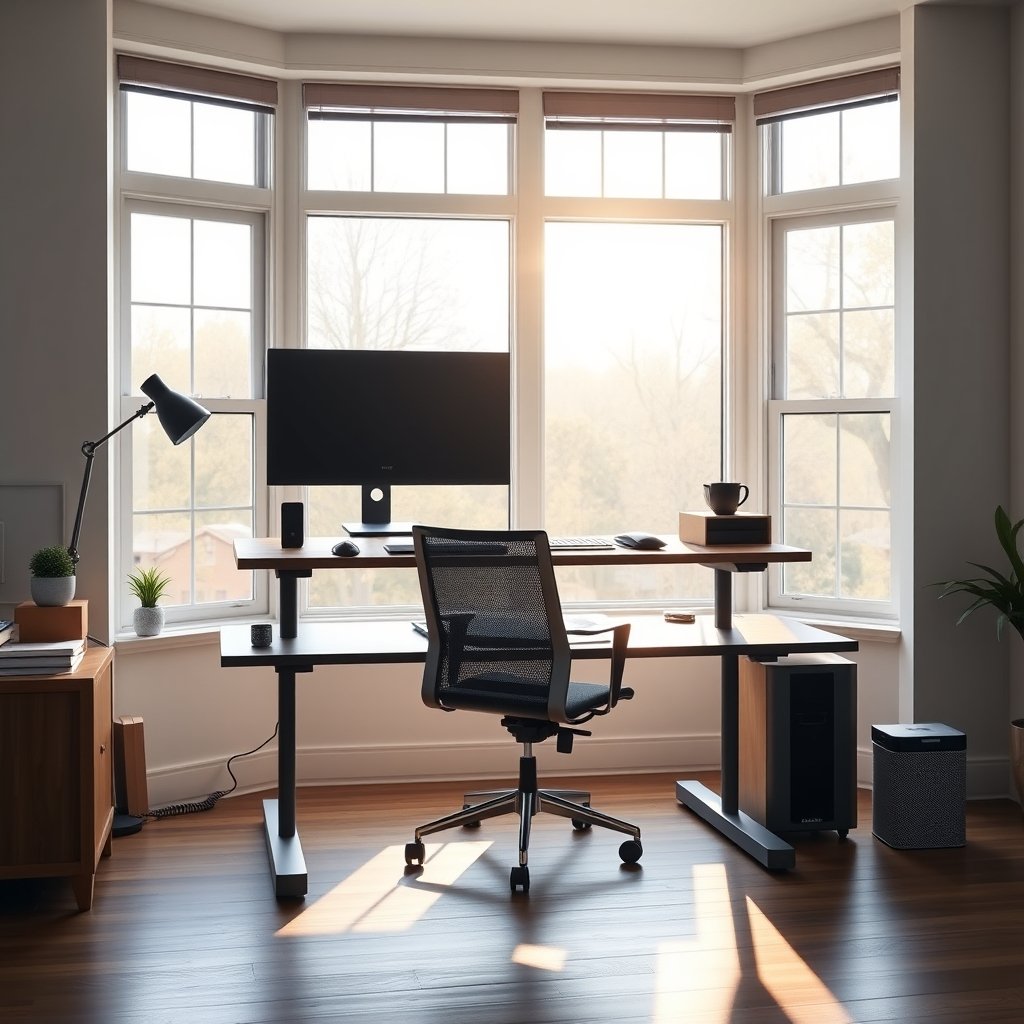
The global standing desk converter market hit over $5 billion in 2024, with North America holding more than 40%—driven by workplace wellness programs and health trends (source). Retrofits fit best where budgets, space constraints, or office policies make full standing desks impractical. The growing work-from-home economy makes these converters more relevant than ever.
How to Retrofit Your Desk: Step-by-Step Guide
Ready to upgrade your desk to a standing workstation? Here’s exactly what to do to avoid common mistakes and get the most ergonomic benefit.
- Measure Your Desk
Grab a tape measure. Record your workspace width, depth, and available under-desk storage. Remember dual monitor setups need more space. If you’re in a small apartment, consider solutions like foldable or wall-mounted desks. - Assess Weight Needs
Make a note of your monitor(s), laptop, and accessories. Aim for a converter with at least 33-40 lbs (15-18 kg) weight capacity. If in doubt, get a heavy-duty model—especially for dual monitor setups. - Choose Your Adjustment Type
Electric models are fast and more ergonomic but cost more. Manual options are budget-friendly and easier to set up but can wobble if overloaded. Priority: smooth three-stage height adjustment. - Plan Cable Routing
Cable chaos causes tripping hazards and frustration. Route monitor/laptop cables with clips or under-desk trays. For heavy tech users, invest in an AI desk organizer. - Check Assembly & Test Stability
Align all hardware with manufacturer’s instructions. Test the up/down function (especially with manual levers). Place your heaviest devices and ensure the converter doesn’t shake, tilt, or slide when typing.
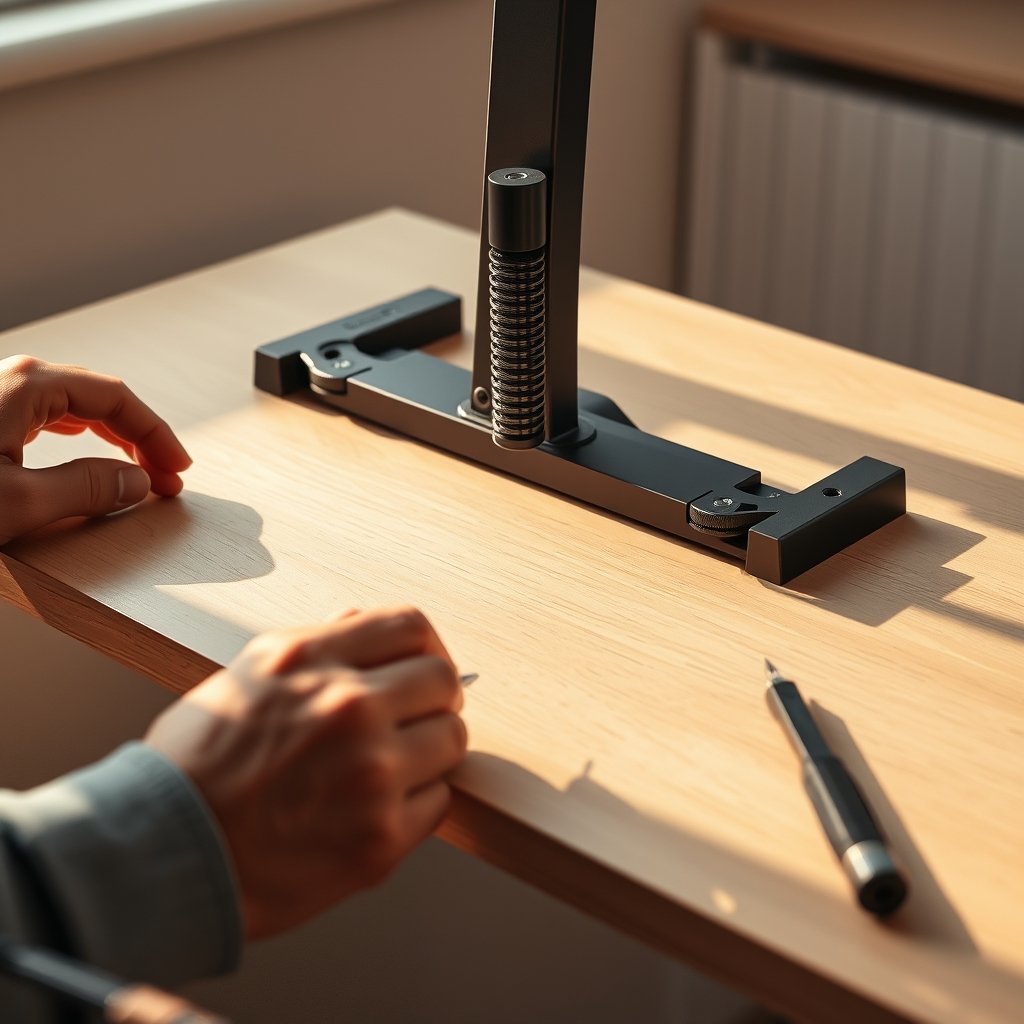
- Consider under-desk storage. Some risers may block drawers or shelves—test fit before final assembly.
- Pair your converter with an anti-fatigue mat to reduce strain, especially during long standing sessions.
If you need to create an ADHD-friendly workspace, check out these tips for neurodivergent productivity—standing desks can help maintain focus and energy throughout the workday.
Advanced Analysis & Common Pitfalls
Standing desk converters promise an easy fix, but there’s more under the surface. Learn about typical challenges and compare what features actually impact daily use:
| Feature | What to Expect | Common Pitfalls | Recommended Fix |
|---|---|---|---|
| Weight Capacity | 33-40 lbs (15-18 kg) on manual, 50+ lbs on premium electric models | Low-end models can wobble or sag with dual monitors | Choose a converter marketed for dual/large setups—compare with market leaders’ specs |
| Height Range | 4”–19”+ (10–48 cm), with 3-stage best for tall users | Short risers won’t fit taller users; max height often misleading | Test real standing posture before buying—mock it up first |
| Surface Dimensions | 30” x 24” is typical | Too small for dual monitors, too big for tight cubicles/home offices | Measure your devices and workspace, not just desk surface |
| Assembly | 5–30 minutes, tools included | Confusing instructions, small parts lost easily | Unbox and review all parts before starting |
| Warranty | 1-3 years, varies by brand | Low-cost converters often skip warranty or offer short terms | Look for >1 year, check for hidden shipping return fees |
| Certifications & Safety | BIFMA, GREENGUARD common in premium models (not always advertised) | Many popular brands skip third-party certifications | If sustainability or VOC emissions are a concern, look for labeling and manufacturer details |
| Long-Term Durability | Metal frame, high weight rating, stable base | Plastic or low-gauge metal prone to bending, creaking | Seek user reviews mentioning year-long daily use |
| Under-Desk Storage | Most converters extend 1–2” under desktop | May block drawers and keyboard tray | If you rely on drawer access, test fit before setup |
| Workspace Fit for Small Offices | Options as small as 24” wide available | Oversized risers overwhelm compact cubicles | Check out small-apartment friendly solutions |
- Most complaints found across forums and social media center on shaky risers, tough manual lifts, and awkward workspace fit. If you want more seamless height changes, electric models (like dual-motor desks) now offer quieter, heavier-duty platforms.
- Review detailed specs on manufacturer or independent market analysis sites before purchase. “Universal” doesn’t always mean “fits every desk.”
- Warranty and service matter—some value brands skip out on meaningful support, leaving you stranded if anything breaks.

Conclusion & Action Steps
Retrofitting your workspace with a standing desk converter for existing desk setups is an effective, flexible move—as long as you measure carefully and pick trusted brands. The converters are now more advanced than ever, but don’t ignore stability or ergonomic fit. For remote workers, cubicle dwellers, or anyone with back pain or ADHD, upgrading is easier than ever before. Start by evaluating your needs, then take advantage of the booming market to find the right model. Ready to improve your posture and productivity? Choose a standing desk converter for existing desk use that matches your exact needs—and enjoy the benefits of a more active workday.
Still unsure? Browse our comparison guides or check out budget walking desk setups for even more movement options. Don’t wait—your body and brain will thank you.
Frequently Asked Questions
How do I know if a standing desk converter will fit my existing desk?
Measure your desktop’s usable width and depth. Compare these to the listed surface dimensions of the converter. For drawers or under-desk trays, check if converter mechanics or feet will block access.
Are electric standing desk converters worth the extra money?
Electric models are smoother, quieter, and better for frequent sit-stand transitions—especially if you use dual monitors or heavier gear. If budget allows, electric is generally the best ergonomic upgrade.
How can I reduce wobble with my dual monitor setup?
Look for converters with extra-stable, heavy-duty frames. Models from brands like UPLIFT, FlexiSpot, and Vari tout improved stability. Place heavier items closer to the base and balance monitor weight.
Will a converter block my under-desk storage?
Some models block access to drawers or keyboard trays. Always check specs for the converter’s “footprint” and test fit with a cardboard cutout or by assembling temporarily.
What certifications or eco-friendly features should I look for?
BIFMA and GREENGUARD certifications indicate higher safety and environmental standards, but not every manufacturer lists them. If eco features matter, check the manufacturer’s details before buying.
—