

AI standing desk adoption is upending the landscape for healthier workspaces, delivering personalized posture corrections and automatic adjustments that manual and typical smart desks cannot match.
Key Takeaways
- AI-powered desks use sensors and machine learning to reduce sedentary time and optimize ergonomics in ways manual and traditional smart desks cannot.
- Early pilots show strong results, but long-term benefits, pricing breakdowns, and privacy risks need clearer information for buyers.
- Choosing the right AI standing desk means evaluating features, user privacy, tech integration, and support—not just automation promises.
- What Is an AI Standing Desk & Why Is It Trending?
- Step-by-Step: How to Set Up and Maximize Your AI Standing Desk
- Advanced Analysis & Common Pitfalls
- Conclusion
- FAQ
What Is an AI Standing Desk & Why Is It Trending?
AI standing desks are the latest evolution in ergonomic office furniture. Unlike basic manual or electric sit-stand desks, these advanced models use sensors and artificial intelligence to monitor your posture, learn your daily habits, and automatically adjust their height or remind you to change positions. Leading models integrate with smart office ecosystems, working in sync with lighting or even HVAC systems for a seamless wellness experience.
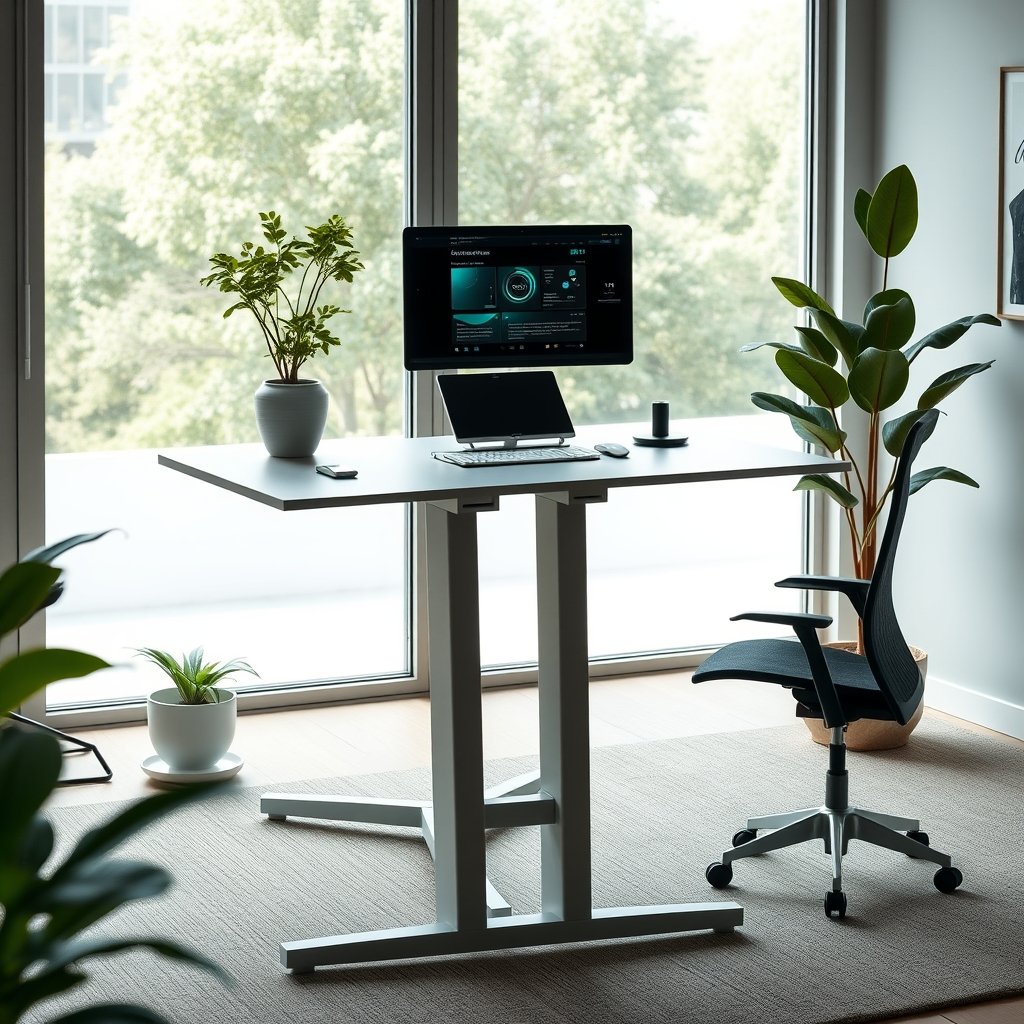
Market demand exploded in 2024, with the global standing desk market—including AI-integrated desks—valued at over $770 million and set to top $1.1 billion by 2032. In North America, smart features like computer vision posture sensors have helped reduce workers’ sedentary time by up to 32% in corporate pilots, signaling a ramp up in both engagement and health.
Despite rapid innovation, common pain points among users haven’t vanished. While AI desks prompt more movement, issues like false sedentary alerts or overreliance on automation have surfaced. And although brands like Steelcase and Autonomous lead by adding posture detection and habit-learning, quantifiable long-term benefits and privacy assurances are still in development.
If you regularly forget to stand or want a standing desk that learns your habits, AI desks deliver automation and analytics missing from classic models. Integration with apps, reminders, and wellness programs are driving the shift—especially for busy remote workers and early adopters.
Step-by-Step: How to Set Up and Maximize Your AI Standing Desk
Adopting an AI standing desk is more than just plugging it in. Follow these practical steps to get the most from your investment and avoid common frustrations:
- Unbox and Position the Desk.
Place the desk on a flat surface with access to power and near your WiFi hub if possible to avoid signal dead zones. - Connect to WiFi & Firmware Update.
Many AI desks require an initial firmware update for security and latest features. Use the manufacturer’s app or direct connection to update right after plugging in. - Set Up User Profiles & Preferences.
Add each user’s height, preferred working hours, and any medical posture needs (like recommended durations of sitting/standing or reminders for stretch breaks). - Activate Sensors.
Enable posture, presence, and environment sensors. If calendar integration is offered, sync it to anticipate your meeting schedules and ideal desk heights. - Integrate with Other Devices.
Many AI desks connect to smart lights, HVAC, or even wellness apps for a more holistic approach to comfort and focus. - Test Manual Override.
Familiarize yourself with manual adjustment options in case the AI misreads or you want to override its suggestions temporarily.
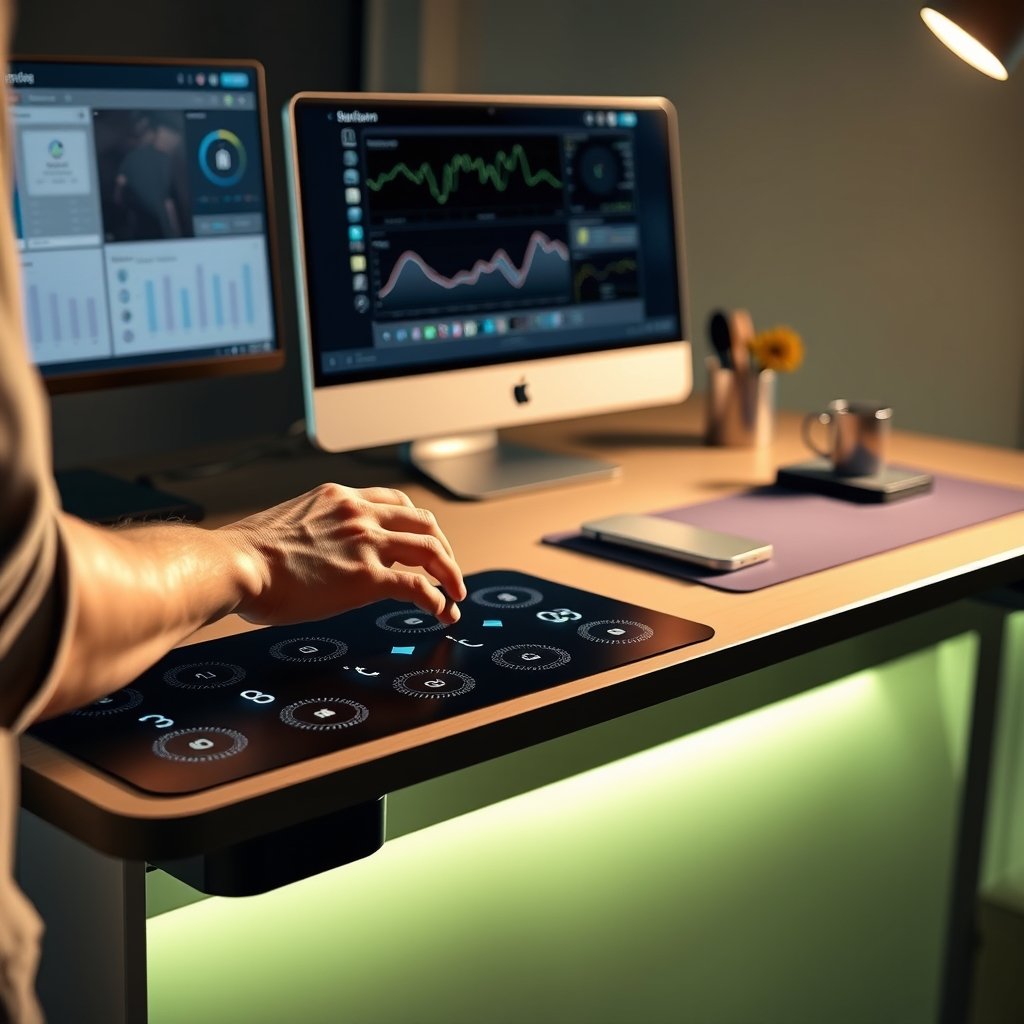
- Monitor Analytics & Posture Reports.
Use built-in analytics to review detected posture, reminders, and stand/sit ratios. Refining your settings based on real feedback yields better long-term comfort. - Iterate and Use Feedback Loops.
Most AI desks use machine learning—a few days of adjustment improve accuracy as the desk learns your preferences and habits.
If you work in a space with constraints or have special requirements (like a standing desk for ADHD), check for custom schedules or persistent reminders tailored for focus and movement needs.
Trying to avoid expensive options? Some brands emphasize affordability and skip subscriptions, but budget standing desk setups may lack true AI posture tracking.
Advanced Analysis & Common Pitfalls
With adoption growing and major brands entering the space, it’s important to know where AI standing desks excel and where they still come up short:
| Feature | Manual/Electric Desk | Traditional Smart Desk | AI Standing Desk |
|---|---|---|---|
| Height Adjustment | Manual or preset electric | Electric with app control | Predictive, learns habits, auto adjusts via AI |
| Posture Monitoring | None | Basic usage tracking | Real-time, via computer vision and sensors |
| Sedentary Alerts | None | Static timer-based reminders | Personalized, habit-based reminders |
| Smart Office Integration | No | Some IoT compatibility | Connected with lighting, HVAC, and cloud analytics |
| Analytics | No | Limited to usage data | Detailed: sit/stand patterns, posture score, health trends |
| Privacy & Data Security | Not applicable | Basic app security | Cloud-based; privacy policies vary, risks not always disclosed |
| Cost Transparency | Clear (purchase only) | Purchase, sometimes app/subscription | Pricing/subscription often unclear, especially on data storage |
Common user pitfalls and what to watch for:
- Over-trusting AI recommendations: Not every alert is accurate—learn to override or fine-tune the algorithm, especially in complex schedules.
- Poor WiFi or software issues: Automated features and dynamic adjustments break down with connectivity hiccups or missed firmware updates.
- Privacy blind spots: Most brands tout cloud-based health analytics, but few document how your posture or usage data is secured, opening the door to possible privacy concerns later.
- Upfront and ongoing costs: Few brands disclose full AI subscription or app maintenance fees. Budget options rarely include genuine habit-learning or posture sensors.
- No true long-term data: While recent pilots report up to 32% less sedentary time, there’s a lack of published research on posture improvement or productivity gains beyond the short term [source].
Want a hybrid option or need to make your current desk smarter without a full replacement? Check resources like standing desk converter for practical upgrades.
If lower back support is a concern during longer standing sessions, see evidence-backed pairings in standing desk posture tips guides.

Conclusion
AI standing desks offer a leap forward in ergonomic design, merging automation with analytics to reduce sedentary time and nudge better habits. For remote workers or those who struggle to move regularly, a smart desk AI posture system delivers clear day-one improvements—if you calibrate properly and stay aware of privacy and long-term efficacy gaps.
Before upgrading, weigh your needs: Do you benefit from a desk that learns your habits? Will you value integration with wellness software? Until proven long-term gains emerge, review internal guides, check for budget alignment, and ensure your AI standing desk choice balances automation with privacy and manual override control.
Ready to upgrade and need more setup clarity? Dive deeper into real workflows at our in-depth AI standing desk guide here.
FAQ
What makes an AI standing desk different from a regular electric standing desk?
AI standing desks use embedded sensors and machine learning to personalize height adjustments, monitor your posture, and deliver predictive reminders tailored to your schedule. Standard electric desks only let you set heights manually or with simple presets and lack real-time feedback.
Are there privacy concerns with AI posture monitoring?
Most brands store data for analytics or app recommendations, sometimes in the cloud. However, few provide full transparency about how posture data is secured or if it’s shared. Always read privacy policies and check for local data storage if this is a concern.
Do AI standing desks really improve posture and productivity?
Early pilots in 2024 report up to 32% less sedentary time among users when compared to manual desks, suggesting improved wellness and focus. However, there is little published long-term research validating comfort or productivity boosts over months or years.
How much do AI standing desks cost compared to manual models?
Pricing is unclear—while manual desks have transparent one-time prices, AI models sometimes require subscription fees for advanced posture analytics or app integrations. Brands like Autonomous.ai market affordability, but direct cost data is missing in public research.
Can I upgrade my existing standing desk to add AI features?
Some third-party add-ons (like smart sensors or converters) can track posture or remind you to stand, but true AI-powered adjustment is rarely available as a retrofit. For more on this, see our standing desk converter for existing desk resource.
—