

Standing desk with storage solutions are rapidly transforming modern home offices, offering not only ergonomic upgrades but also clever ways to tackle workspace clutter. If you want to boost your productivity and keep your setup neat without sacrificing comfort, this guide is for you.
Key Takeaways
- Standing desks with integrated storage optimize both ergonomics and workspace organization, reducing clutter and boosting focus.
- Choosing the right model requires balancing storage type, functionality, desk stability, and available space.
- Common pitfalls include overlooking cable management, buying low-quality add-ons, and failing to plan for future equipment.
- What is a Standing Desk with Storage?
- How to Choose and Set Up the Right Standing Desk with Storage
- Advanced Analysis & Common Pitfalls
- Conclusion
- FAQ
What is a Standing Desk with Storage?
A standing desk with storage combines the ergonomic benefits of a height-adjustable workstation with built-in organizational features like drawers, shelves, or cabinets. This hybrid design helps you maintain an uncluttered desktop, making it perfect for remote workers, content creators, and anyone who juggles multiple tasks or accessories.
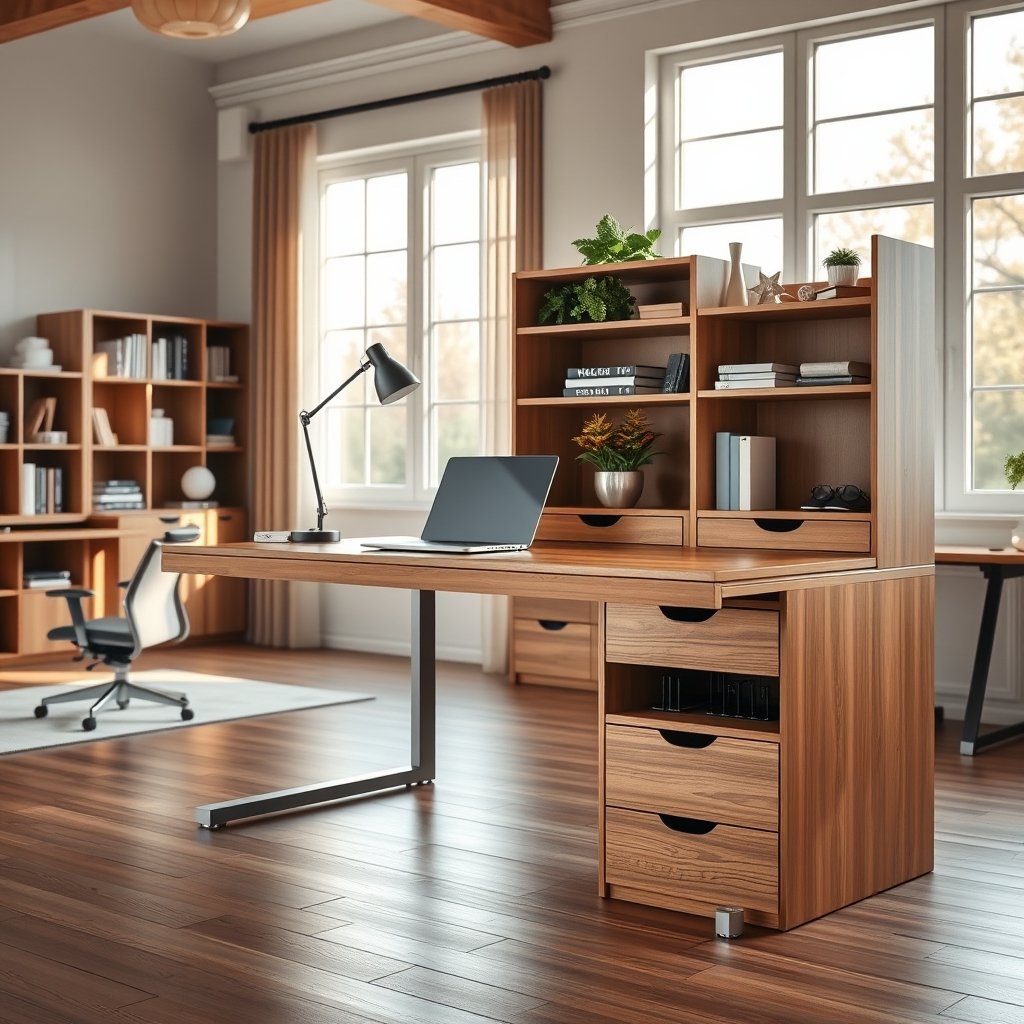
Unlike traditional desks, storage-equipped standing desks tackle two pain points at once: the need for movement and the ongoing battle against scattered office supplies. Modern models go beyond a plain drawer, featuring modular shelves for laptops and books, built-in cable racks, or even under-desk filing cabinets. For tight spaces like small apartments, choosing a foldable standing desk with integrated storage can make a big difference.
Globally, demand for these multipurpose desks is on the rise, with electric models accounting for nearly half the market according to recent reports. As remote work continues in 2024 and beyond, manufacturers are racing to solve storage inefficiencies with creative desk designs.
How to Choose and Set Up the Right Standing Desk with Storage
Not all standing desks with storage are created equal. Focusing on a few key steps will help you select the best option for your needs, avoid costly mistakes, and create a workspace you’ll actually enjoy using every day.
1. Define Your Storage Needs
Start by listing what you need to store: pens, notebooks, electronics, files, cables, or art supplies? This will determine whether you need shallow drawers, locking cabinets, open shelving, or modular bins. For creators working with lots of equipment, prioritize solutions with cable management. See more in our content creation setup guide.
2. Choose the Right Desk Style and Storage Type
Match the desk style to your workspace size and décor. L-shaped standing desks with side storage are great for large rooms, while compact desks with minimalist drawers suit smaller spaces. If you need to move your setup frequently, a wall-mounted or fold-down desk with attached pockets could be ideal.
Popular storage add-ons include:
- shallow slide-out drawers for stationery
- Integrated filing cabinets for documents
- Bookshelves or hutches above the desktop
- Under-desk shelves for tech or personal items
- cable trays for power strips and wires

3. Prioritize Desk Stability and Motor Power
Storage compartments add weight and may affect balance. Look for dual-motor electric models—they’re less likely to wobble at full extension, especially if your storage is loaded. For details on why dual-motor desks matter, check out this guide on heavy-duty standing desks.
4. Plan for Ergonomics and Cable Management
Storage must not block your knee space or restrict monitor arms. Install organizers at the rear of the desk for cables and chargers, so you don’t tangle up when switching between standing and sitting. Pro users add clamp-on trays or use velcro ties underneath for a totally clean look. If back pain is a concern, pair your desk with a anti-fatigue mat for good posture and comfort.
5. Assemble and Personalize
Double-check all hardware during assembly—storage modules should not interfere with the motion of the desk frame. Test the movement fully loaded. Make adjustments as you go, and avoid overtightening screws on detachable storage. For inspiration, see how small apartment dwellers customize compact setups here.
Advanced Analysis & Common Pitfalls
Even the best standing desk with storage can miss the mark if you overlook design flaws or real-world limitations. Here are the most frequent problems users encounter, based on community feedback and industry analysis.
Common Mistakes and How to Avoid Them
- Poor Weight Distribution: Placing too much storage (especially filing cabinets) on one side can tilt your desk on lift or cause mechanical strain.
- Ignoring Desk Movement: Fixed storage add-ons may block the movement range, or cause snagging on cables or floor mats.
- Lack of Customization: Many desks come with non-removable storage. If your needs change, you may wish you had chosen modular or clamp-on accessories instead.
- Cheap Build Materials: Low-end models often add storage at the expense of build quality, resulting in wobbly desks or drawers that don’t align.
- Overpaying for Integrated Options: Some brands charge a premium for built-in storage, when third-party organizers would work just as well for less.
| Feature | Basic Standing Desk | Standing Desk with Storage |
|---|---|---|
| Ergonomics | ✔ | ✔ |
| Clutter Reduction | ✖ | ✔ |
| Cable Management | Limited | Integrated (Varies by model) |
| Stability at Full Height | High | May decrease if overloaded |
| Cost | $-$$ | $$-$$$ |
| Customization | High | Lower (for fixed storage) |
For an in-depth look at overall market growth—including electric desk trends—check this authoritative market report.
If your workflow is highly dynamic (for example, dealing with ADHD or frequent movement), storage may create visual clutter or distraction. For more on choosing ADHD-friendly desks and accessories, see our ADHD standing desk guide.
Conclusion
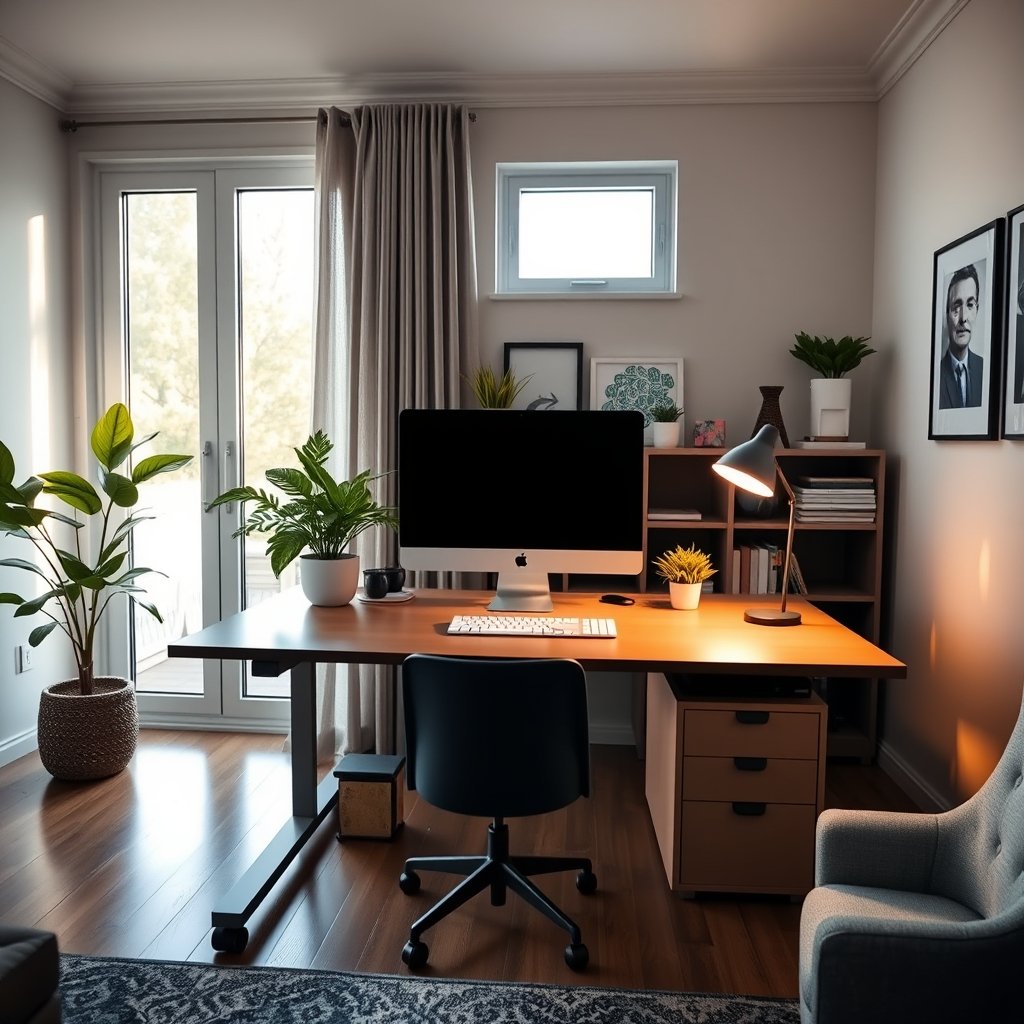
Choosing the right standing desk with storage can make your workspace more productive, ergonomic, and organized. Take time to evaluate your real needs, prioritize modular solutions, and invest in proven brands to avoid common pitfalls. Ready to upgrade your office? Compare models, review specs, and start designing a smarter standing workspace today.
FAQ
Do standing desks with storage wobble more than basic models?
Some models may be less stable, especially if overloaded or built with a single-motor frame. Opt for dual-motor electric desks, distribute weight evenly, and avoid overpacking storage compartments.
What type of storage works best with electric standing desks?
Shallow under-desk drawers, cable trays, and modular shelves are ideal. Avoid heavy filing cabinets unless the manufacturer specifies support for them. Modular and clamp-on organizers are safer for long-term motor health.
Is it better to buy a desk with built-in storage or add organizers later?
If your needs may change, choose desks with modular storage or attachment rails. Built-in storage can be limiting and sometimes much more expensive, while aftermarket organizers are more flexible and cost-effective.
Can I add a treadmill or anti-fatigue mat under a standing desk with storage?
Yes, just make sure that lower drawers or shelving do not block space for movement or interfere with the treadmill/platform.
Where can I find ergonomic tips for standing desks?
Explore best practices and posture guidance in our standing desk back pain guide for accessory pairings.