
Standing desk for content creator is more than a trend—it’s now an essential upgrade for those building video, audio, and streaming studios at home. Whether you’re a YouTube producer, Twitch streamer, podcaster, or digital artist, your setup impacts not just productivity but also on-camera performance, health, and longevity in the game. Let’s break down why getting this choice right matters, what real-world users wish they knew sooner, and how to select the ideal workstation for your creative toolkit.
Key Takeaways
- Most standing desks in 2024 cater to general home offices, not the unique needs of content creators—leading to overlooked issues like cable chaos and stability with heavy gear.
- Key setup specs for creators: rock-solid frame, 150 lbs+ capacity, dual monitor compatibility, and advanced cable/power management for dense equipment.
- Integrating standing desks with green screens and advanced accessories can transform your streaming quality, but common pitfalls can tank your experience if not addressed from the start.
- The Core Concept: Standing Desk For Content Creator
- Step-by-Step Guide: Setting Up the Ultimate Standing Desk for Creative Streaming
- Advanced Analysis & Common Pitfalls: What Most Creators Get Wrong
- Conclusion: Should You Invest in a Standing Desk for Content Creation?
- FAQ: Standing Desk for Content Creator
The Core Concept: Standing Desk For Content Creator
Content creators and streamers face unique workspace challenges: multiple monitors, heavy cameras/mics, lighting rigs, urgent cable management needs, and on-camera space constraints. The standing desk solves for flexibility and health, but only if the choice matches these real demands. Forget generic models—creators need desks that can handle dynamic, equipment-packed setups that look professional on and off screen.
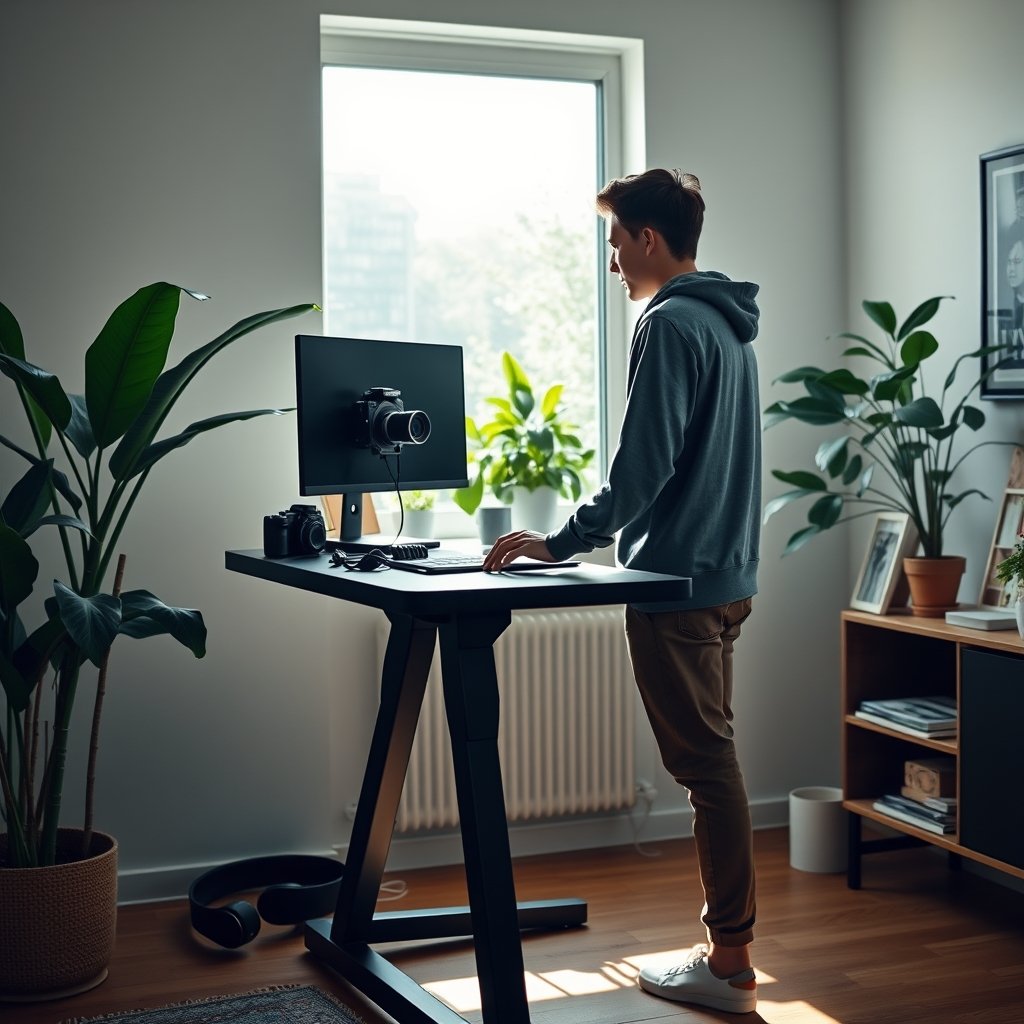
While adoption stats for content creators aren’t directly tracked, the global standing desk market reached USD 8.14 billion in 2024 and is forecast to keep growing on the back of remote work and creator economy booms. Leading brands such as Uplift Desk, FlexiSpot, and Vari now offer purpose-built options for home studios—yet, most mainstream guides fail to address content creator-specific pain points such as stability for camera arms or managing RGB/power cables discreetly.
If your standing desk wobbles on camera or tangles behind the scenes, your entire workflow (and audience trust) suffers. The true “content creator” desk fixes this with construction, clever accessories, and real-world ergonomic thinking—helping you create better, healthier, and more consistently.
Step-by-Step Guide: Setting Up the Ultimate Standing Desk for Creative Streaming
Ready to level up? Whether you’re switching from a basic desk or upgrading your streaming studio, here’s how to build a standing setup that won’t let you down.
1. Choose the Right Desk Frame
Look for desks with a minimum 150 lbs weight capacity—crucial if you use dual monitor arms, heavy mounts, or DSLR cameras. Electric dual-motor frames ([see this recent comparison for details](https://standingdesksetup.com/electric-standing-desk-dual-motor/)) remain the gold standard for quiet operation and minimal wobble under load, especially compared to budget single-motor models.
If your floor is concrete or uneven, a thick anti-fatigue mat can radically improve your comfort and minimize vibration. See recommended options here.
2. Set Up Desktop Layout & Accessories
Before assembly, map out your gear footprint—lighting, tripod rigs, mic arms, and extras like control pads. Prioritize desks that offer deep desktop surfaces (30″+) for camera clearance and room to rest your arms comfortably without crowding gear.
Select cable management trays that clamp or screw on, not just adhesive-only models (which fall off under weight). Mount power strips under the desk for all-in-one charging and fewer visible wires—many FlexiSpot and Uplift models offer these as add-ons.
3. Build Out Monitor Arms & Green Screen Integration
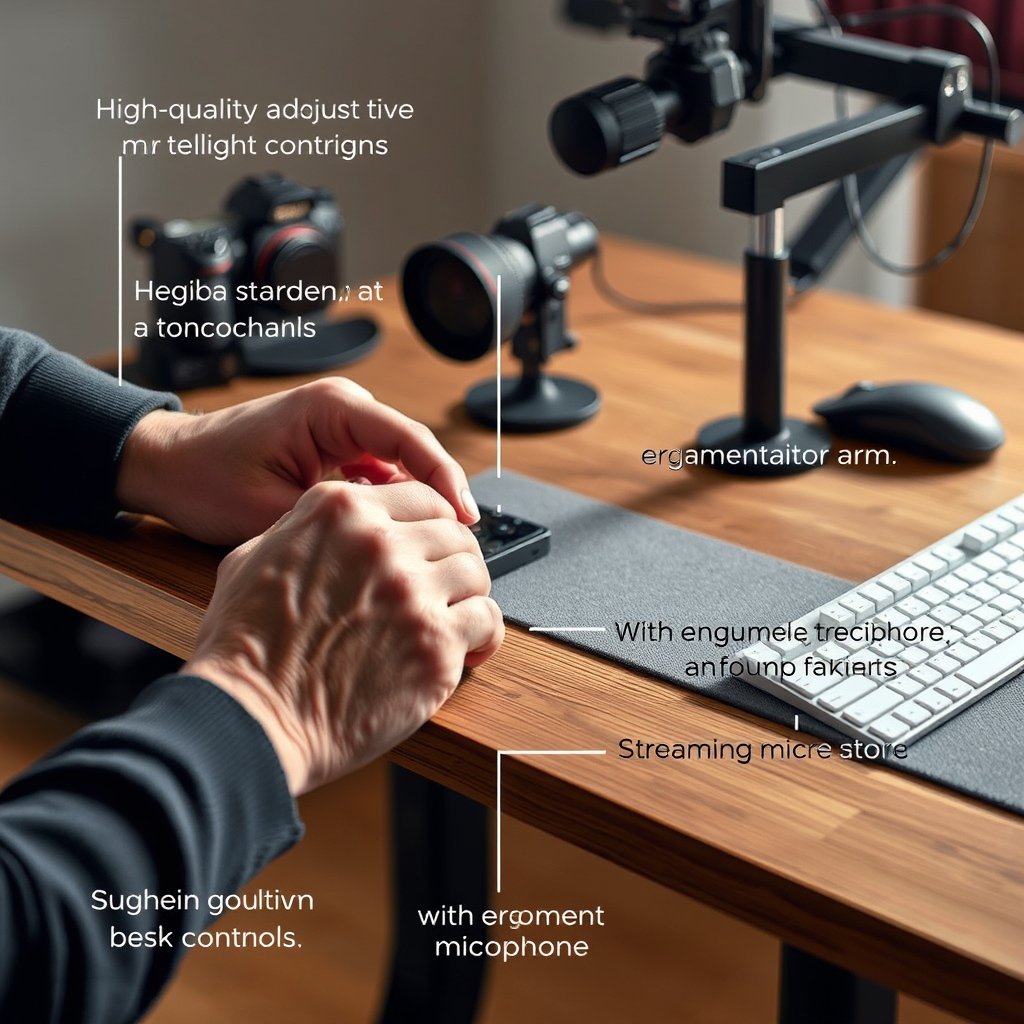
Duo monitor arms free up desktop space and let you dial in tilt/rotation for different recording setups. Ensure your desk can handle grommet or clamp mounts on its rear edge. If you film standing with a green screen, try wall-mount or collapsible green screens to save floor space—especially critical for studio nooks or small apartments (see compact desk ideas).
Advanced creators sometimes DIY boom arms or shelf extensions—always double-check mounting positions and weight distribution to avoid tipping at max desk height.
4. Dial In Ergonomics for Long Shoots
Position your camera lens at (or just above) eye level, not below or far off to the side. Raise monitors with arms rather than stacked books for adjustability. For floor comfort, a pro-grade standing mat is a must (see anti-fatigue solutions), especially if streaming for hours.
5. Test & Troubleshoot Cable and Power Setup
Route all cables through desk trays, secure excess with Velcro ties, and label all connections for fast swaps. For advanced power needs (lights, multiple computers), consider a dedicated surge-protector strip with USB-C/USB-A ports mounted underneath or to the side.
Test all movement: raise and lower your desk with everything mounted. Listen for odd sounds, check for cable snags, and ensure stability at both lowest and highest positions.
Need ideas for smart automation? Explore AI-integrated desks that optimize your work schedule—these can auto-adjust based on your creative calendar.
Advanced Analysis & Common Pitfalls: What Most Creators Get Wrong
Building the perfect standing desk for content creators is about more than height adjustment. Here are the most overlooked issues—and how to avoid them.
Top Pitfalls
- Wobble at Full Height: Cheap frames and single-motor designs often shake with dual monitors or camera arms. Over time, this compromises both gear safety and streaming quality.
- Cable Overflow: More gear means more cords—and cable trays that are too shallow or poorly positioned will spill over, become a visual distraction on camera, or create trip hazards.
- Insufficient Weight Capacity: Many setups push near (or past) the rated limits. Overloading shortens motor lifespan or leads to desk sag/crash—even top brands recommend staying 10–20% under max load.
- Power Access: Not all standing desks offer built-in power options. Exposed cords or adapters often get snagged as the desk moves, risking power interruptions mid-stream. Always secure these before broadcast.
- Poor Green Screen Integration: Large pop-up screens crack, tip, or crowd you off frame. Wall-mounts or retractables reduce floor footprint but require careful placement and anchoring—especially in small rooms.
| Feature | Budget Traditional Desk | Generic Standing Desk | Creator-Optimized Standing Desk |
|---|---|---|---|
| Weight Capacity | ~100 lbs | 120–150 lbs | 175–200 lbs |
| Monitor Arm Compatibility | Poor | Average | Excellent (multi-arm, grommet support) |
| Cable Management | Minimal/none | Shallow trays/adhesive | Deep trays, channels, clamps |
| Power Options | External only | Some built-in/outlet cutout | Integrated strips, USB, surge |
| Green Screen Mounting | Not supported | Floor stand (bulky) | Wall/retractable compatible |
Average costs run between $400 and $950 for content-optimized standing desks with strong ratings, compared to $200–$500 for traditional desks with basic accessories. Direct-to-consumer brands like Autonomous and FlexiSpot help keep prices accessible, though higher-end models from Uplift and Herman Miller bring premium fit and finish (source).
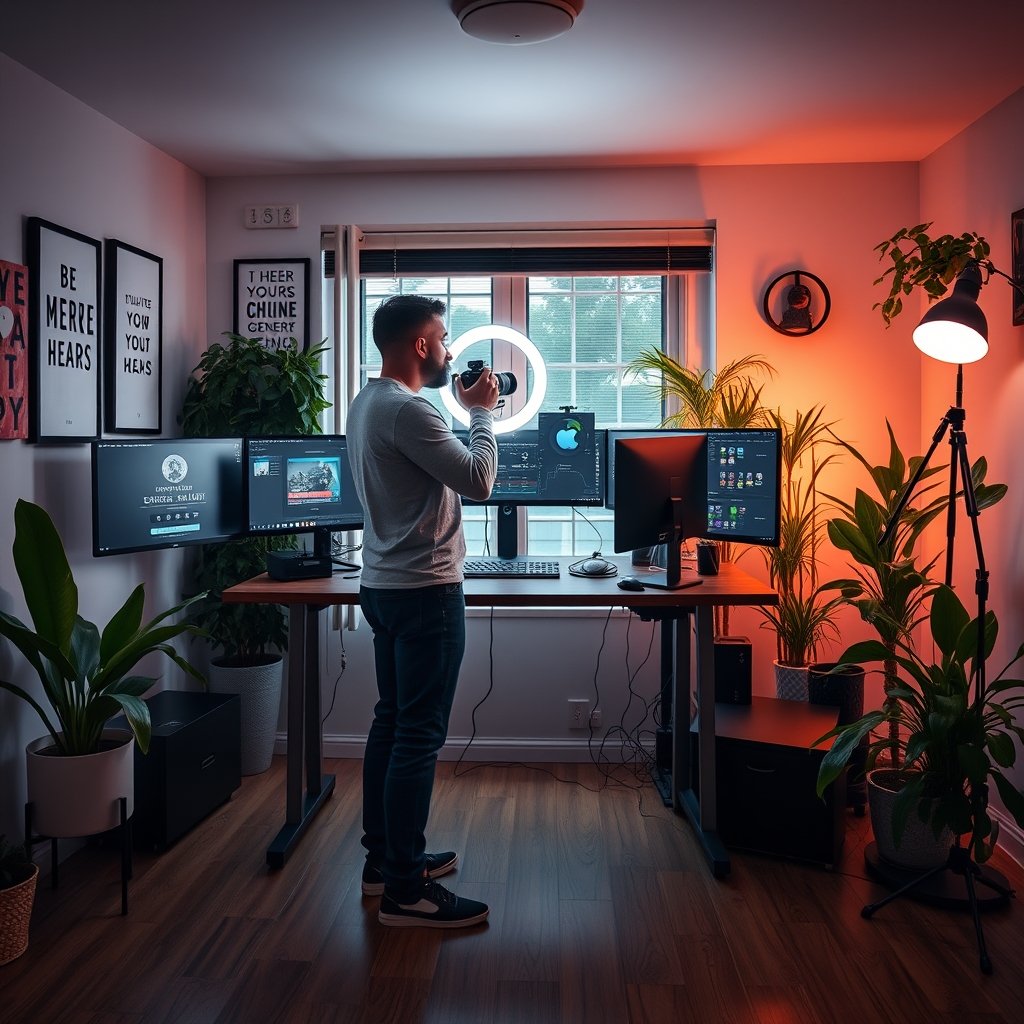
Short on space? Explore desks with foldable, wall-mounted, or sub-30″ footprints for small apartments—see compact desk options.
Still unsure whether a standing setup is truly best for your workflow? Consider a desk converter for temporary upgrades or hybrid sit/stand routines. See our latest converter reviews for practical solutions.
Conclusion: Should You Invest in a Standing Desk for Content Creation?
Standing desks have gone from niche to mainstream, but for serious creators, only purpose-built setups deliver the stability, cable management, and ergonomic options needed for professional-quality streams or productions. Standing desk for content creator isn’t about trend chasing—it’s about optimizing your space, protecting your gear, and making daily production frictionless and healthy.
Ready to upgrade your creative workflow? Review your setup’s weak spots using the checklist above, compare brands carefully, and take the leap to a standing desk designed for creators—not just remote workers. Want smarter, more adaptive solutions? See how AI standing desks automate posture and reminders for maximum output.
FAQ: Standing Desk for Content Creator
What specs should a standing desk have for a streamer or content creator?
Look for a minimum weight capacity of 150 lbs, dual-motor lift for stability, deep desktop (30+ inches), and robust cable/power management with compatibility for multiple monitor arms and camera accessories.
Are there affordable standing desks that work for full creator setups?
Yes, brands like Autonomous and FlexiSpot offer sturdy frames and adequate power/cable trays at a lower price point. Just be sure to check real-user reviews for wobble or weight issues, and consider their upgrade accessories.
How do I prevent cables from tangling or being visible on camera?
Use under-desk cable trays, adhesive raceways, and zip ties. Label and plan your routing before setup. Attach power strips with Velcro to keep everything modular, and test cable slack at both desk heights before going live.
Will a standing desk really improve my video quality?
Yes—if stable enough for your equipment, standing desks can reduce vibration and facilitate better eye-level camera placement or movement during shoots. Stable setups also minimize on-stream distractions.
What’s the best standing desk option for small creator spaces?
Look for wall-mount or foldable standing desks that require minimal clearance. Compact footprints with retractable or wall-mounted green screens optimize the limited space usually found in small apartments or studio nooks.
—