

standing desk lower back pain is a growing topic for anyone struggling at their desk, especially if you sit all day and notice pain or twinges across your spine. Recent research in 2024 pinpoints the facts: the right sit-stand routine outperforms most other office fixes, even for those dealing with herniated discs or chronic back pain.
Key Takeaways
- Alternating between sitting and standing—a fixed 30:15 minute ratio—significantly reduces lower back pain for desk workers, according to clinical evidence.
- No specific desk brands are medically endorsed for herniated discs, but ergonomic sit-stand functionality is strongly recommended for relief.
- Common pitfalls include standing too long statically and poor desk setup, both of which can worsen pain or reduce benefits.
- What Causes Standing Desk Lower Back Pain?
- Step-by-Step Guide: Using a Standing Desk to Relieve Lower Back Pain
- Advanced Analysis & Common Pitfalls
- Conclusion
- FAQ
What Causes Standing Desk Lower Back Pain?
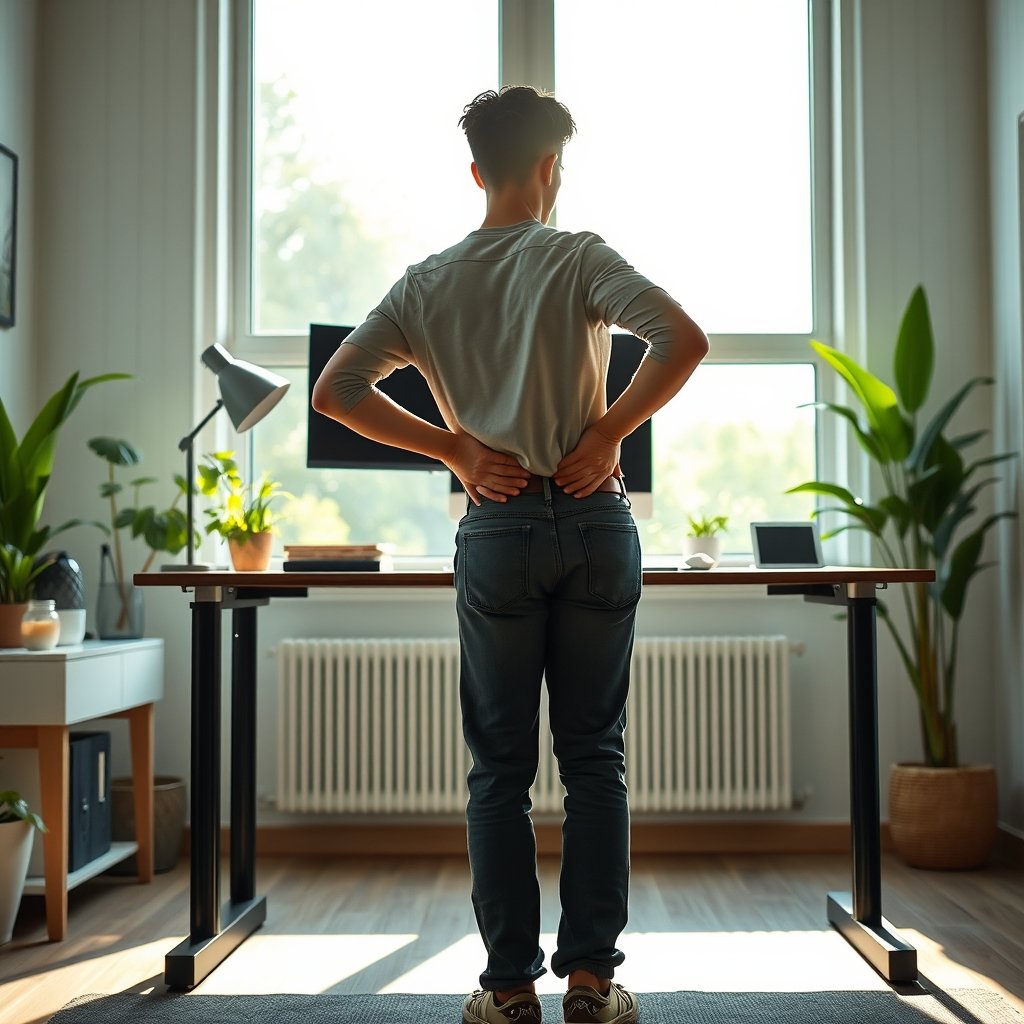
Lower back pain at a standing desk rarely comes from standing itself. Instead, discomfort usually traces to static postures—sitting or standing—for long blocks of time, poor ergonomics, or improper transitions. When you sit for hours, intervertebral disc pressure doubles. For those with herniated discs, this can accelerate risk. Standing reverses some of this, but only if you stand correctly and alternate postures. Studies in 2024 show that a consistent sit-stand rhythm—ideally 30 minutes sitting, 15 minutes standing—yields sharper pain reductions than custom or random intervals. This fixed approach helps relieve spinal disc pressure, increases lumbar lordosis (natural lower back curve), and prevents sitting-induced slouch or posterior pelvic tilt.
Step-by-Step Guide: Using a Standing Desk to Relieve Lower Back Pain
Making your standing desk work for lower back relief means nailing setup and building the right habits. Here’s how:
- Commit to a fixed 30:15 ratio. Set reminders to alternate between 30 minutes sitting and 15 minutes standing. Research from Griffith University in 2024 shows this schedule cuts down both peak and average pain scores after just a few months (see findings).
- Check your desk and monitor height. Elbows should rest at about 90 degrees, wrists straight, screen at or just below eye level. This keeps your spine in a neutral position, reducing slouch and forward head posture. Explore more on AI-assisted posture improvements with the smart desk AI posture guide.
- Alternate postures and add micro-movements: While standing, periodically shift weight, do heel raises, and lightly bend knees. Sitting? Adjust posture every 10 minutes to keep your back engaged.
- Use an ergonomic chair when seated. Aim for lumbar support and feet flat on the floor. For small spaces, check our foldable standing desk apartment solutions.
- Monitor pain and fatigue weekly. If discomfort persists, scale back standing duration or tweak your workstation.
- Declutter under the desk. Ample foot space reduces awkward standing postures and makes transitions seamless.
Additional Ergonomic Setup Tips
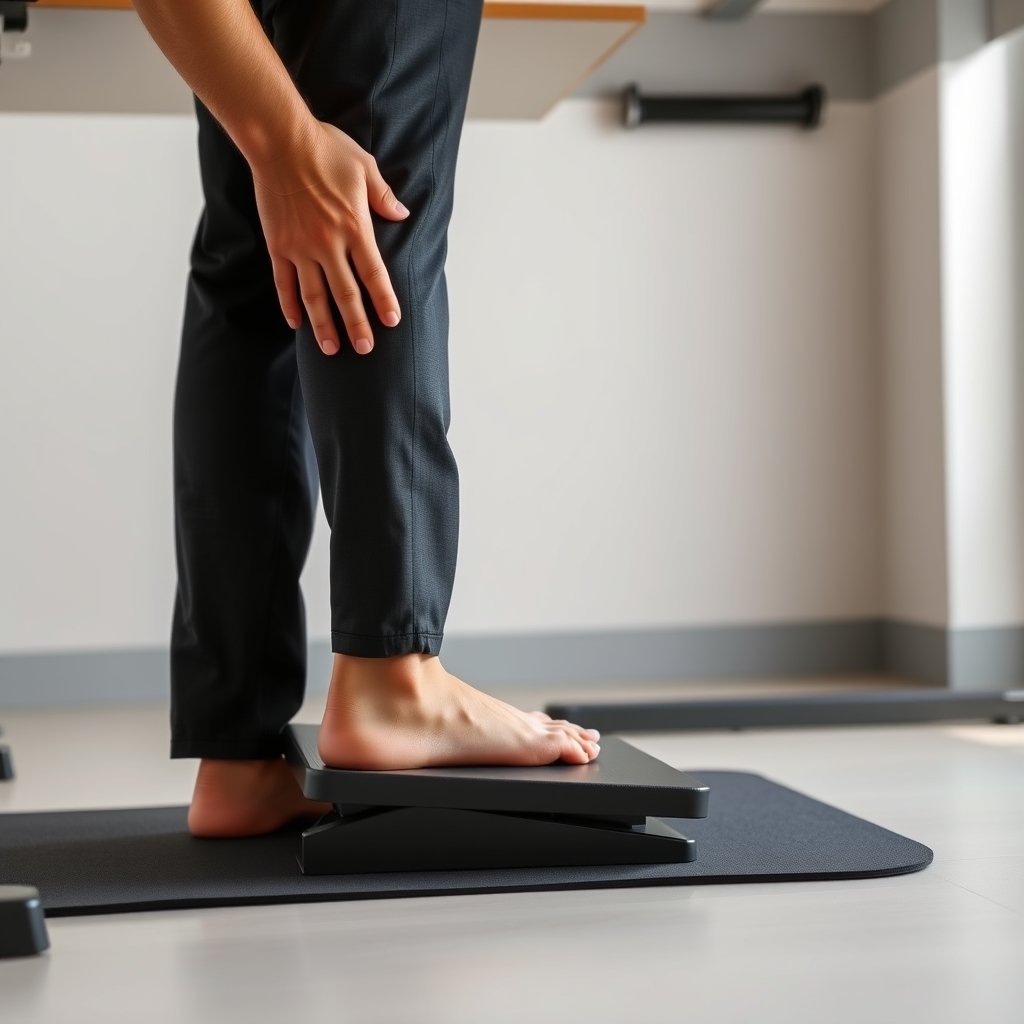
- Keep knees slightly bent when standing to avoid knee and hip lockout, which strains the lower back.
- Maintain a slight anterior pelvic tilt to restore your spine’s natural curve (avoid “tail between legs” slouch).
- Consider a soft, supportive mat, especially if you stand more than 15 minutes, though no medical studies directly support anti-fatigue mats for pain relief yet.
- If you struggle with focus or neurodivergence, explore standing desk focus hacks for ADHD to keep movement and attention balanced.
Advanced Analysis & Common Pitfalls
Despite the hype, standing desks are not a one-size-fits-all fix. Here are the biggest pitfalls and gaps, backed by 2024 research:
| Issue | Why It Matters | How to Solve |
|---|---|---|
| Prolonged static standing | Standing too long increases fatigue and can worsen circulation and pain. | Limit standing to 15-20 minutes per interval. Take movement breaks. (See study) |
| Poor ergonomic setup | Incorrect desk or monitor height leads to new neck or back issues. | Follow neutral spine alignment tips. Consider an AI standing desk that auto-adjusts. |
| Lack of objective pain measures | Most research uses subjective surveys, not imaging or physical testing; real pain causes might be missed. | Track your pain patterns and consult a physical therapist if new symptoms arise. (See study analysis) |
| No medical endorsement of brands or anti-fatigue mats | No 2024 data supports specific desk models or mat types for chronic or herniated LBP. | Focus on setup and habit (posture, ratios), not marketing claims. |
| Limited research on herniated disc outcomes | Most studies group “lower back pain” broadly and lack subgroup data on disc herniation. | Apply core LBP recommendations and tailor with your medical provider. |
To sum up, the sit-stand rhythm is supported by research, but no one ergonomic desk or setup is perfect for all. Personal trial, observation, and regular adjustment matter most. If you live in a small apartment and need a compact, ergonomic station, see our wall mount standing desk guide for tight spaces.

Conclusion
Modern evidence shows that thoughtful use of a standing desk—especially with a fixed 30:15 minute sit-stand routine—can bring real relief to lower back pain, including cases linked to herniated discs. However, success depends on form, equipment setup, and not standing still for too long. If you struggle with standing desk lower back pain, start tracking your habits, tweak your intervals, and use the ergonomic tips above. Ready to upgrade your office comfort? Explore AI posture desks, movement-friendly solutions, or budget treadmill desks to boost relief and productivity today.
FAQ
Can a standing desk help with herniated discs specifically?
No 2024 studies directly tested standing desks for herniated discs alone, but general lower back pain (LBP) benefits are linked to alternating postures that may prevent disc disease risks. Always consult your doctor for severe disc issues, and focus on ergonomic setup and regular movement.
How long should I stand at a standing desk to help my lower back?
Clinical studies recommend a fixed 30:15 minute ratio—30 minutes sitting, 15 minutes standing. This routine reduced both worst and average LBP scores at 3 and 6 months, beating personalized or random routines. Standing long blocks without moving is discouraged.
Do anti-fatigue mats make a difference for lower back pain?
No studies in 2024 measured LBP relief from anti-fatigue mats specifically. They may help prevent fatigue from static standing, but movement, posture, and interval timing have the strongest evidence for pain relief.
Are there any standing desk brands recommended by doctors?
No specific standing desk brands or models were medically endorsed for chronic back pain or herniated discs in recent research. Choose a desk with reliable height adjustment and stability—features, not brands, matter most.
What’s the best way to set up a standing desk for back pain?
Keep elbows at 90 degrees, wrists straight, screen at or just below eye level, and maintain a natural lumbar curve when standing. Avoid slouching. Use sit-stand routines with reminders, and see our AI standing desk work schedule optimizer for automation ideas.
—