

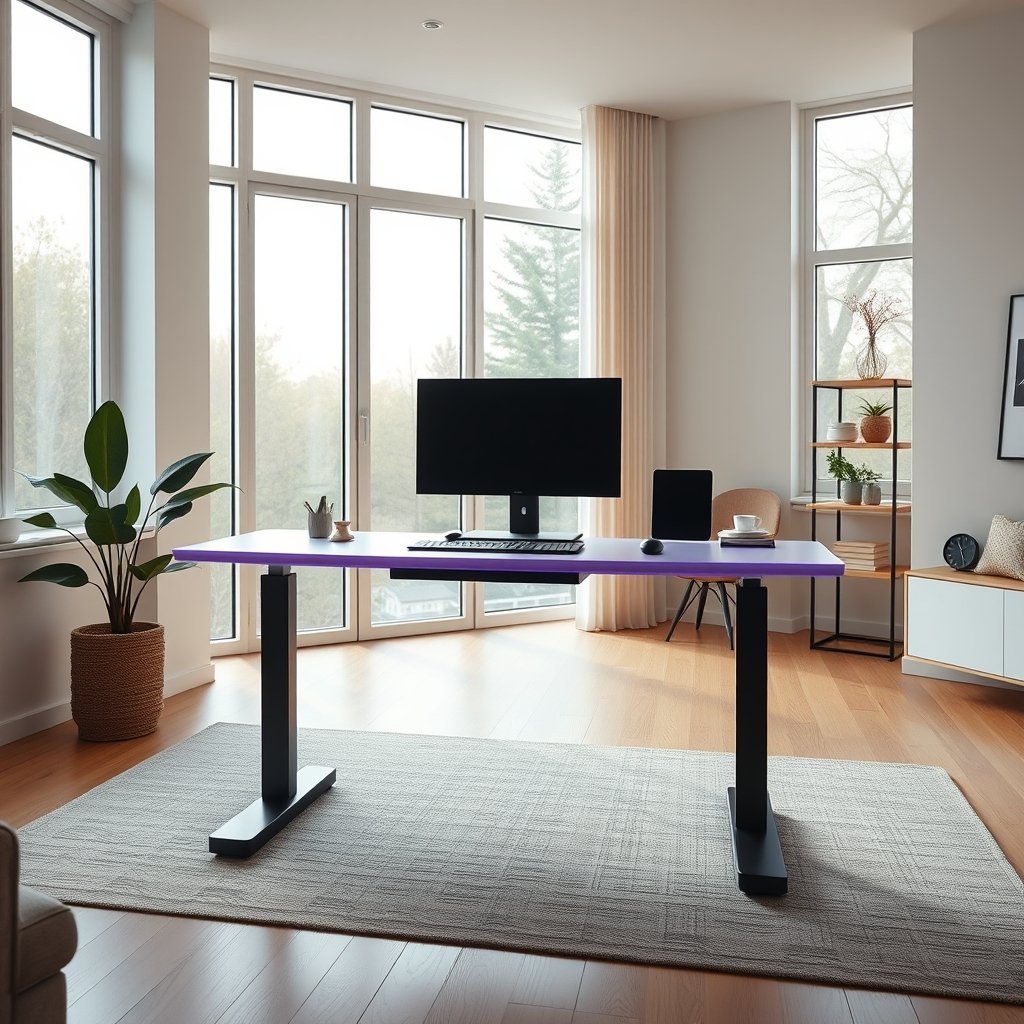
AI standing desks technology is revolutionizing the modern office by combining smart automation, posture tracking, and personalized ergonomics for healthier, more productive workdays. As organizations seek smarter workplace solutions, understanding how these AI-powered desks function and their real-world benefits is critical for making an informed investment.
Key Takeaways
- AI standing desks use sensors and algorithms to personalize movement, posture, and comfort in real time.
- Global demand is surging, with strong growth in North America and Asia-Pacific, driven by the shift to smart office environments.
- Despite the hype, actual user pain points and detailed cost breakdowns are rarely addressed in current industry coverage.
- The Core Concept: What Is an AI Standing Desk and Why Use One?
- Step-by-Step Guide: How to Use an AI Standing Desk Effectively
- Advanced Analysis & Common Pitfalls
- Conclusion
- FAQs
The Core Concept: What Is an AI Standing Desk and Why Use One?
AI standing desks are advanced ergonomic desks equipped with computer vision sensors and AI algorithms. Unlike traditional sit-stand desks, they automatically learn your habits, monitor your posture, and make real-time adjustments to encourage a healthier routine. These desks also deliver personalized reminders to move or stand, potentially reducing sedentary time and improving workplace well-being.
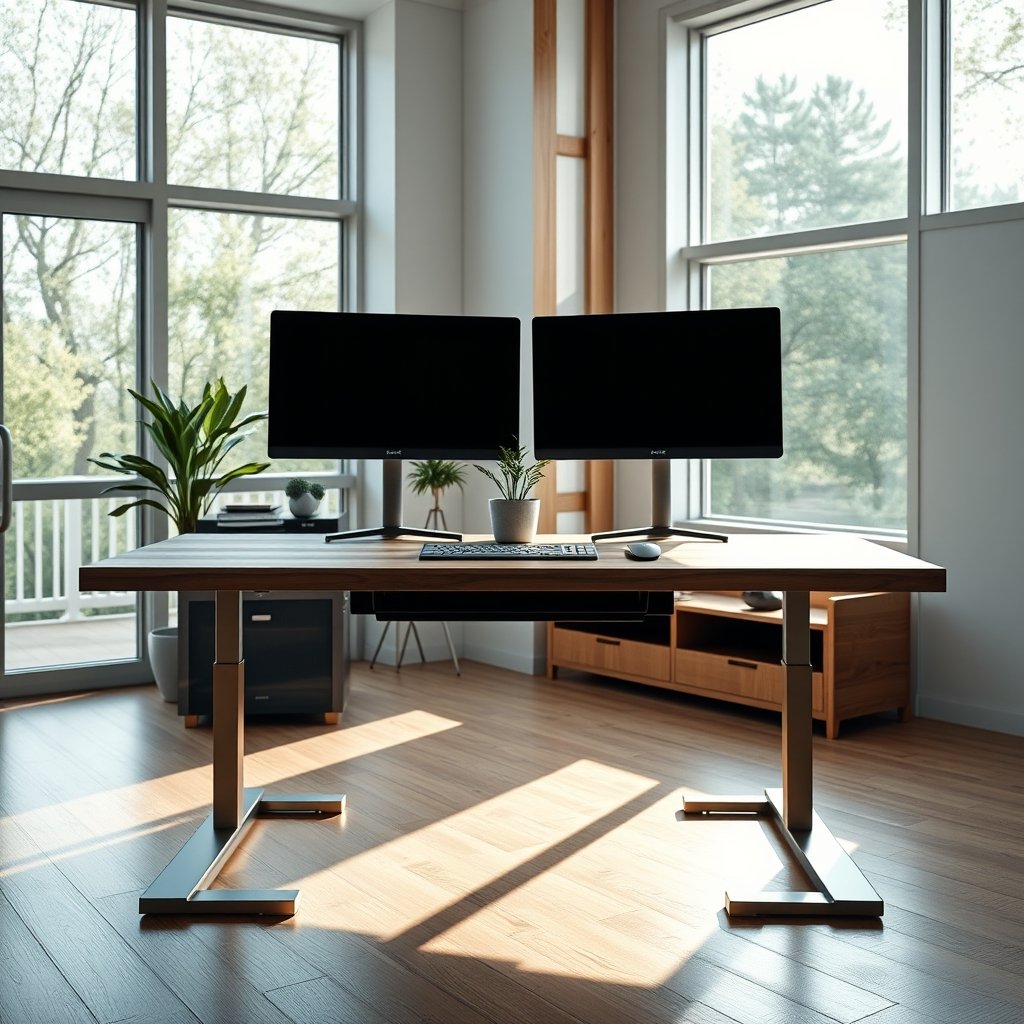
Global market projections highlight rapid adoption: the standing desk sector—including AI-powered models—was valued at USD 770 million in 2024 and is expected to reach USD 1,155.1 million by 2032, with the Asia-Pacific region leading growth at a projected 8.2 percent CAGR. North America currently commands 38 percent of the global share, particularly as enterprises prioritize smart, health-focused office fit-outs. The technology’s appeal lies in its promise to automate wellness—removing human error from posture and break management.
If you’re seeking to optimize your workspace, boost your daily energy, or reduce the risk of back pain, these desks promise a practical, science-backed upgrade over static or manual models. Smart features also tie into IoT, connecting with office lighting and HVAC, signaling the rise of a truly integrated smart office experience. For a deeper dive into ergonomic office tech, explore our guide to standing desk cable management and our best practices for budget-friendly standing desks.
Step-by-Step Guide: How to Use an AI Standing Desk Effectively
Getting true value from your AI standing desk means leveraging its automation while avoiding common user mistakes. Here’s a practical, step-by-step approach:
- Set up user profiles. Most AI desks let you create a unique profile. Enter your height, preferred sitting and standing heights, and daily work schedule. Some models sync with platforms like Steelcase’s management software for enterprise setups.
- Activate sensors and posture tracking. Ensure computer vision sensors and weight sensors are properly aligned. Calibrate them initially so the system recognizes your posture and movement patterns accurately.
- Schedule and automate movement breaks. Enable the AI’s reminder functionality. The algorithm will analyze your habits and suggest optimal standing/sitting intervals, often via subtle desk vibrations or app alerts.
- Monitor and use analytics. Most platforms now offer dashboards with usage stats, posture scoring, and habit trends. Use these metrics to tweak your behavior and catch early warning signs of bad posture or overly long sedentary stretches.
- Integrate with other smart devices. Connect your desk to office lighting or HVAC for a fully automated environment. Some models suggest ambient changes or sync with calendar events for automatic height adjustments during meetings or focus periods (see our related article on ergonomic routines).
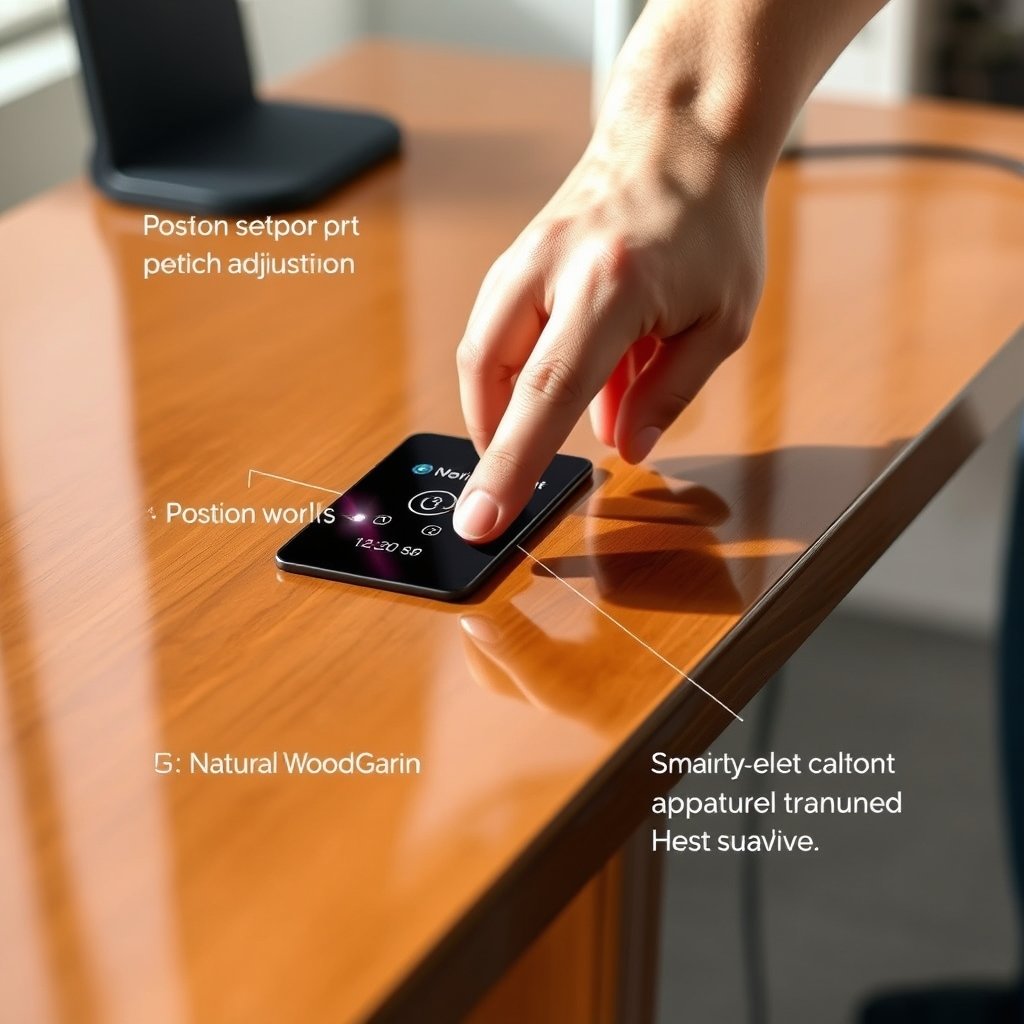
To further optimize your setup, experiment with the AI “habit learning” feature—over time, the system predicts your favorite settings and nudges you to vary posture just before you’d typically start to feel discomfort. This micro-adjustment is based on real-time smart sensor data and not arbitrary timers.
If you’re unsure how to blend an AI model into your space, our standing desk L shaped buyer’s guide covers modular layouts, and our look at standing desk vs traditional desk can help you compare long-term ergonomic outcomes.
Advanced Analysis & Common Pitfalls
AI standing desks are gaining popularity—but they aren’t without their drawbacks. Let’s break down the main concerns based on the latest research and industry gaps:
- Real-World Data Gaps: Despite industry buzz, few independent studies document user-reported issues like sensor errors or poor height calibration. Most sources report no widespread complaints on accuracy or reliability, but this may stem from a lack of published field data.
- Lack of Price Transparency: Unlike traditional or basic smart standing desks, AI-powered desk pricing is rarely disclosed by manufacturers. This lack of clarity makes it difficult to justify ROI for budget-conscious buyers—something even leading market summaries have not addressed.
- Habit Learning Limitations: While AI learning is powerful, it still depends on consistent use and occasional manual overrides. Erratic schedules or workspace sharing can confuse the algorithm, resulting in annoying alerts or mis-calibrated height changes.
- Lack of Productivity Data: No published case studies currently confirm that AI schedule optimization alone leads to a tangible boost in workplace productivity. Functional AI currently focuses on posture and activity, not workflow automation.
- Effectiveness Evidence: A notable pilot project did show a 32 percent drop in sedentary time using an AI desk, leading to potentially improved health and efficiency (source).
To help clarify what is and isn’t measurable, review this side-by-side breakdown:
| Feature | AI Standing Desk | Traditional Desk | Basic Smart Desk |
|---|---|---|---|
| Automatic Height Learning | Yes (via algorithm) | No | Manual presets only |
| Posture Monitoring | Computer vision & sensors | None | Limited (timers/alerts) |
| App Control & Analytics | Full analytics + app | No | Limited (basic stats) |
| Cost Transparency | Opaque; rarely public | High transparency | Generally clear |
| Proven Productivity Boost | No independent data | No | No |
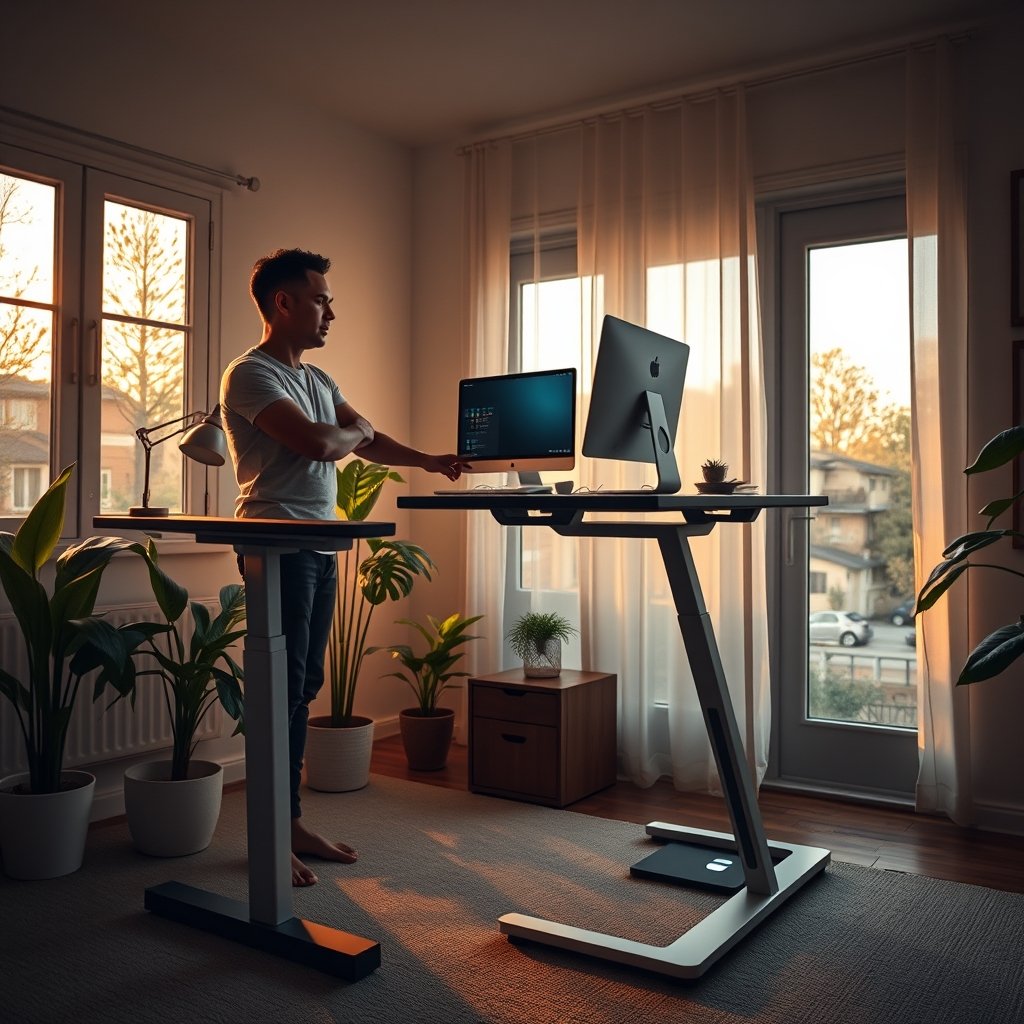
For a broader comparison of automated office upgrades, see our review on standing desk cycle desks and our deep dive into standing desk weight limit considerations for shared workspaces.
Conclusion
AI standing desks promise a new era of ergonomic intelligence—from adaptive comfort to real-time analytics. Still, buyers face unanswered questions about price, real-world usability, and long-term productivity impact. As research evolves, expect further advances in posture science, office automation, and maybe transparent pricing. Before you purchase, weigh the actual needs of your workspace against the benefits and downsides discussed above.
Ready to upgrade? Explore more on AI standing desk options, or check out our curated budget standing desk recommendations to make a smart investment in your workplace wellness journey.
FAQs
How does an AI standing desk know when to adjust heights?
AI desks use sensors and computer vision to monitor your posture and movement. Over time, algorithms learn your habits and automatically adjust the desk to your preferred heights
Are AI standing desks worth the investment?
If you value personalized ergonomics, posture feedback, and automation, AI standing desks can greatly improve comfort. However, current models may lack cost transparency and independent productivity data.
Is my data safe with an AI-connected desk?
Most leading models process data locally or use encrypted cloud platforms. It’s important to check your manufacturer’s privacy policy before connecting to networked features.
Is there a big difference between basic smart desks and full AI models?
Yes. Basic smart desks offer presets and simple movement timers. AI versions add real-time learning, posture analytics, and often app integration for a more active, tailored experience.
Do AI standing desks actually improve health?
Early studies show a reduction in sedentary time. Actual health outcomes depend on consistent usage and following gentle prompts to move or change posture throughout the day.
—